HOW IT WORKS
Prepare your interview.
Record your answers.
Choose a clip to share.
REC prepares questions about your work. Answer on camera, then choose which passages to share.
Find your voice ↗01 / PREPARE
Bring something worth talking about.
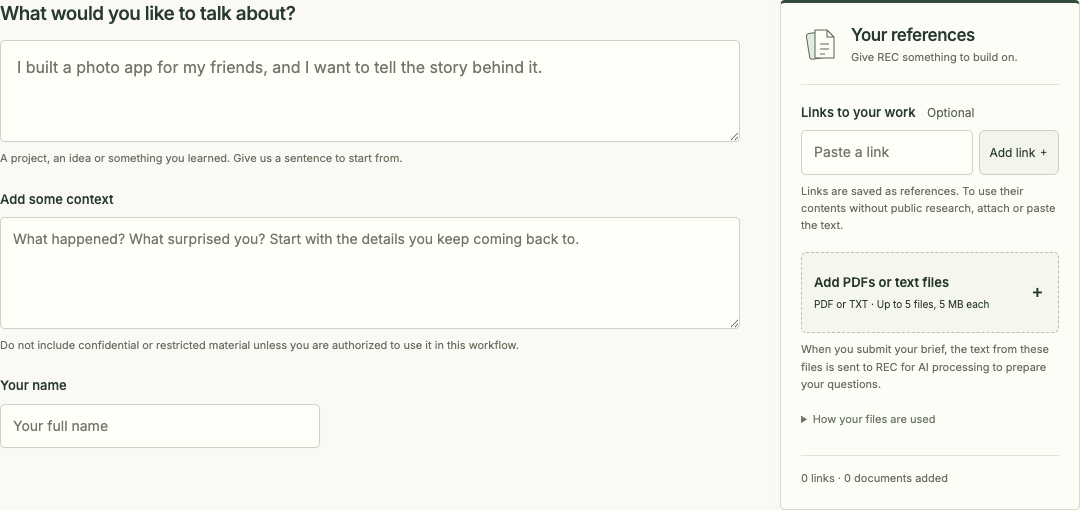
Share a website, essay or notes with REC, choose whether it may research publicly, then review the questions it prepares for you.
You set the research boundary
Add multiple links and PDF or text files. REC extracts document text in your browser; when you submit, that text is sent to REC for AI processing. Review the identity, sources and questions, and correct anything that feels off before recording.
02 / RECORD
Talk it through in your own words.
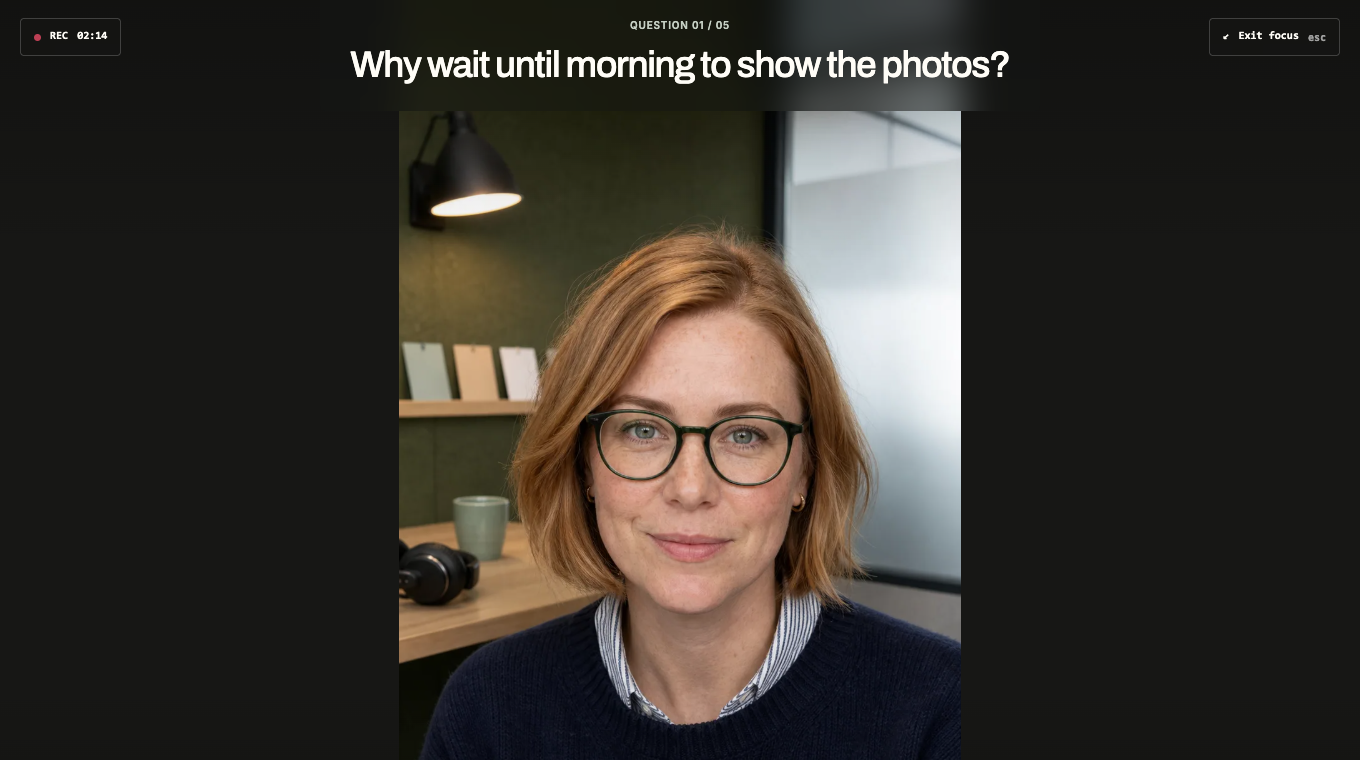
Your questions sit close to the camera. Take your time, pause, or hide your own preview so you can concentrate on what you want to say.
Your camera, your pace
Camera and microphone access starts only when you choose it. You can record with or without browser transcription. Transcription availability depends on your browser and may use its online speech service. Automatic follow-ups and moment recommendations need a usable transcript.
03 / CREATE
Make a clip from a selected moment.
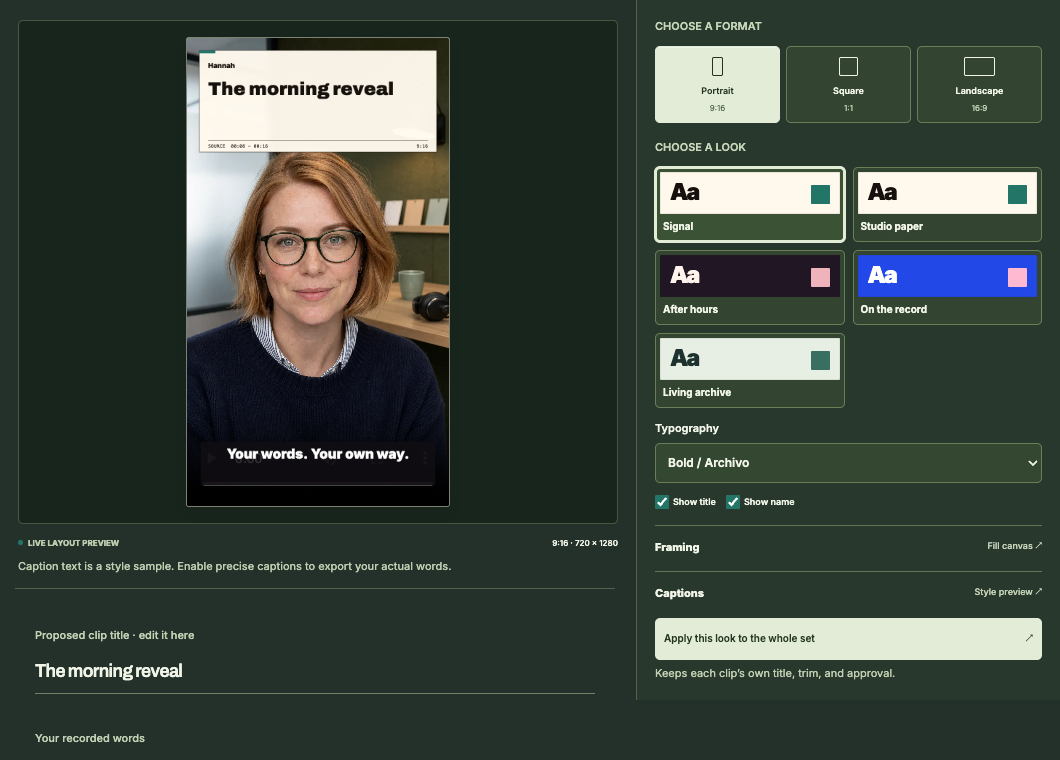
Review the interesting passages in your conversation. Keep your original words, adjust the trim, choose a look and approve the clip before you export.
What you can keep
Keep the full recording and export approved video clips. When a transcript is available, REC recommends moments for you to review. If it returns no recommendations, you can still keep the full recording. Titles, styling, trims and approvals are saved in this browser. Posts and essays are planned; video clips are available now.
GOOD TO KNOW
Before you start.
Do I need a script?
No. REC prepares questions from your material. You review them, then answer naturally. Your finished clips use your recording.
Can I use private material?
Choose “Use only what I share” to exclude public research. Share only material you have permission to use, and remove confidential details first. Supplied text is still sent to REC for AI processing when you submit it.
Can I record without transcription?
Yes. You can keep your recording without transcription. Recommendations and automatic follow-up questions depend on a usable transcript.
Does REC publish for me?
You review, style and export your clips. Publishing to your audience stays with you.